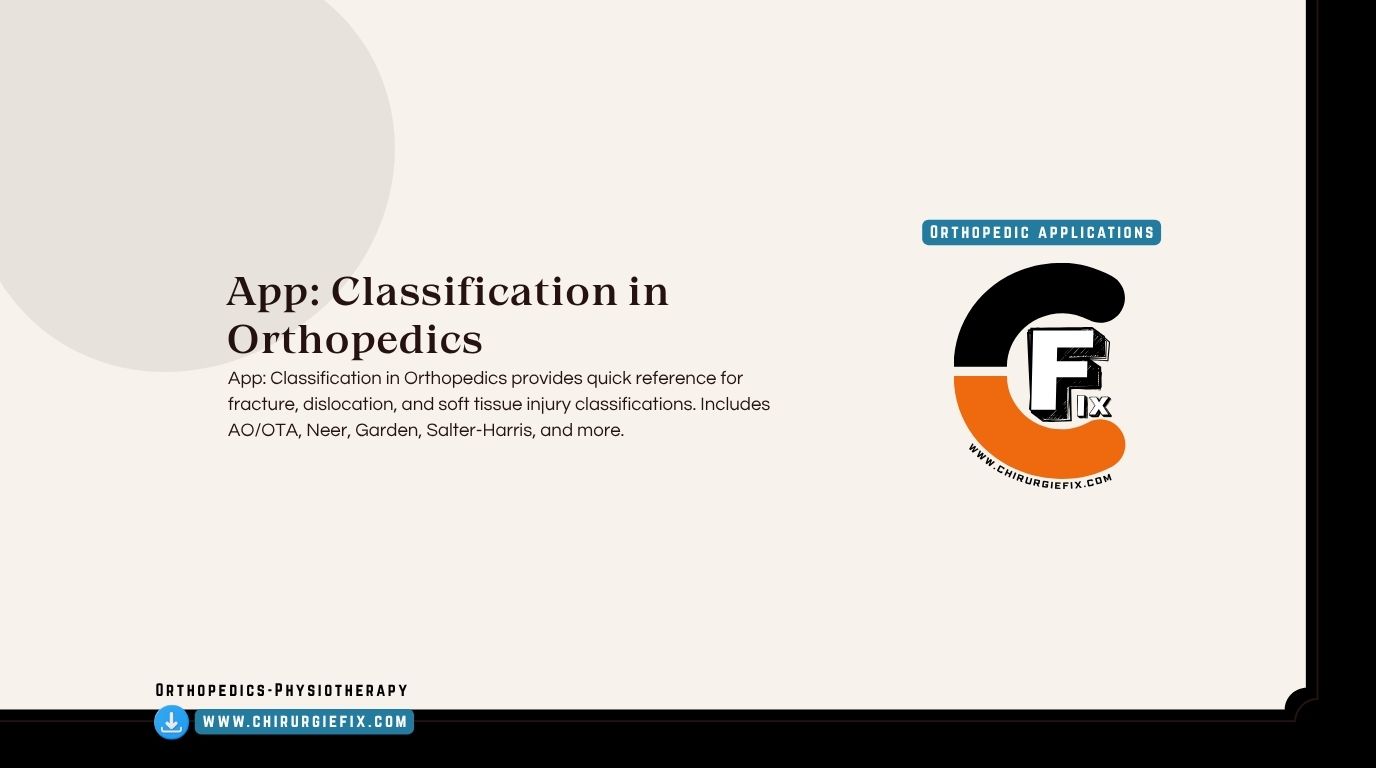
The Orthofixar Orthopedics App is a mobile learning and reference tool built for orthopedic trainees, residents, and practicing surgeons who want quick access to clinical material on the go. It bundles topics like fracture classification, surgical approaches, examination techniques, and trauma management into a single searchable app. This article explains what the app offers, how to use it in daily practice and study, and where it fits alongside textbooks and formal training.
The app works as a pocket companion for orthopedic education. It focuses on the kind of material you reach for during a ward round, a study session, or a quick pre-op review.
It is not a replacement for formal training or clinical judgment. It is a structured reference that saves time when you need to recall a classification or refresh an approach.
A good reference app does not think for you. It simply puts the right framework in front of you at the right moment.
The value of the app comes from how its features fit real clinical and study routines. Below are the areas most users rely on.
Orthopedics runs on classifications. The app organizes them by region and topic so you can find the right system quickly.
Reviewing an approach before surgery helps you plan positioning, incisions, and the structures at risk.
Examination skills are easy to forget when you do not use them often. The app keeps the key tests and maneuvers accessible.
Trauma content is where speed matters most. Having a structured reference helps you stay systematic under pressure.
An app only helps if it fits your workflow. These habits turn it into a practical tool rather than a forgotten download.
Consistency beats intensity. Ten focused minutes a day builds more durable recall than one long cramming session.
Each resource has a role. The table below shows where the Orthofixar Orthopedics App fits alongside common alternatives.
| Resource | Best For | Strength | Limitation |
|---|---|---|---|
| Orthofixar Orthopedics App | Quick reference and revision | Fast search, organized topics, mobile access | Not a substitute for in-depth reading |
| Orthopedic textbooks | Deep understanding | Comprehensive detail and context | Slow to search, less portable |
| Journal articles | Current evidence | Up-to-date research findings | Requires critical appraisal skills |
| Case discussions | Clinical reasoning | Real-world application | Depends on the quality of supervision |
| Formal courses | Structured learning | Expert teaching and feedback | Cost and scheduling constraints |
Concrete scenarios show how the app earns its place in your routine.
A patient arrives with a complex distal femur fracture. Before calling your senior, you open the app, confirm the classification system your department uses, and note the key management principles.
Your handover becomes clearer, and the discussion focuses on decisions rather than terminology.
You are scheduled to assist on a shoulder procedure. The evening before, you review the approach in the app, focusing on positioning, landmarks, and the structures at risk.
In theater, you follow the steps more confidently and ask better questions.
You set a goal to cover pediatric trauma classifications over one week. Each day you review a small set, then test yourself without looking.
By the end of the week, the material feels familiar rather than overwhelming.
A student asks about a knee examination test. You open the relevant section, walk through the maneuver, and explain how to interpret the result.
The app becomes a shared reference point for the whole team.
Small adjustments make a big difference in how much you retain.
No reference tool replaces clinical judgment, supervision, or formal training. The app supports learning and recall, but it should not be the only source you rely on.
Always confirm management decisions with senior colleagues, local protocols, and current evidence. Treat the app as a starting point for review, not a final authority.
The Orthofixar Orthopedics App is a practical companion for anyone learning or practicing orthopedics. It organizes classifications, approaches, examination content, and trauma principles into a format you can reach quickly, whether you are on a ward round, preparing for theater, or revising for an exam. Used consistently and alongside formal training, it helps you stay organized, recall key facts faster, and communicate more clearly with your team. The best results come from treating it as a tool for active recall and daily review rather than a passive library.
It is a mobile reference and learning tool for orthopedic topics. It covers classifications, surgical approaches, examination techniques, and trauma principles, making it useful for quick review during clinical work and study.
Yes, students rotating through orthopedics can use it to learn common classifications and examination tests. It helps connect textbook material to the cases they see on the ward.
No. It works best as a quick reference and revision aid. Textbooks provide deeper explanations, context, and evidence that an app summary cannot fully cover.
Residents can review classifications before presenting cases, check approach details before procedures, and use short daily sessions to reinforce recall for exams. Pairing it with case discussions strengthens understanding.
Yes, it includes stepwise descriptions of common approaches along with key anatomy and structures at risk. This makes it useful for pre-op planning and theater preparation.
The trauma sections offer structured frameworks for assessment and management principles. They help you stay systematic, but urgent decisions should always follow local protocols and senior guidance.
Use active recall. Try to state the classification before checking the app, then compare. Revisit the ones you forget weekly and apply them to real cases whenever possible.
Offline availability depends on the version and how content is stored on your device. Check the app settings and store listing for current details before relying on it in low-connectivity settings.
Yes. Practicing surgeons can use it for quick refreshers before cases or when teaching juniors. It is a convenience tool rather than a comprehensive clinical authority.
Use the app for fast recall and structure, textbooks for depth, journals for current evidence, and case discussions for reasoning. Together they cover the full range of learning needs.